

Stop Spam in Its Tracks: Finding the Best Temp Mail Service for Private, No‑Fuss Signups
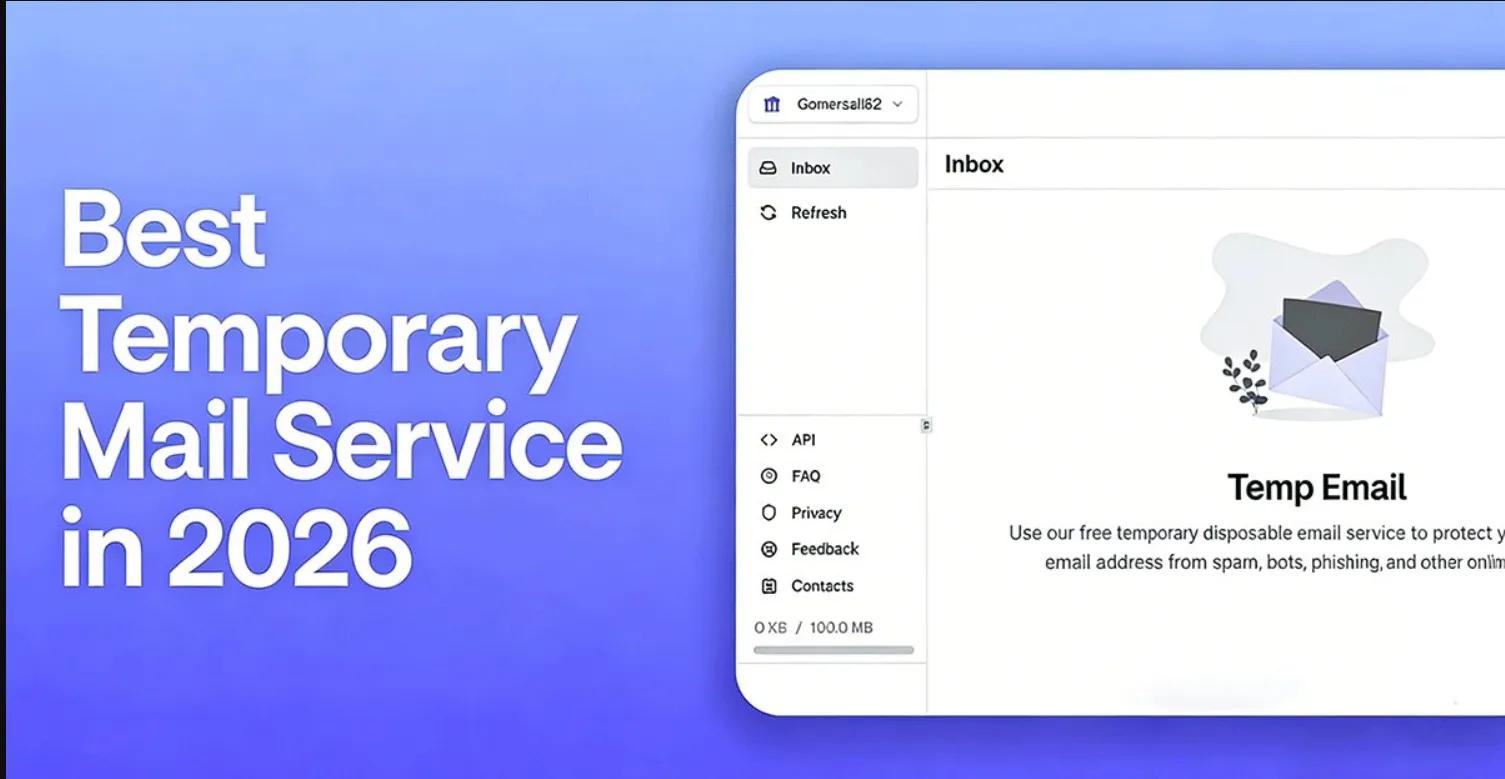
Every online form seems to demand an inbox, but not every service deserves a permanent place in yours. That’s where a temporary email—a fast, disposable address that receives mail for a short window—delivers instant relief. Whether you’re grabbing a white paper, testing an app, or isolating newsletters from your primary address, a well-chosen burner inbox preserves privacy, blocks spam, and keeps your identity out of data brokers’ lists. The challenge isn’t why to use temp mail—it’s how to select the right one that won’t compromise speed, security, or deliverability.
What Is Temporary Email and Why It Matters Today
A temp mail or burner inbox is a short-lived email address that collects messages for minutes, hours, or days before expiring. Most options require no signup: you land on the site, receive a random address, and check messages in a web viewer. It’s a practical shield for low-stakes interactions—trial signups, coupon codes, beta invitations—where you want to avoid putting your long-term identity at risk. With breaches and data leaks a constant headline, disposable email confidently limits your exposure surface.
Unlike classic email aliases tied to your main provider, a burner account lives separately. That separation pays off: marketers can’t cross-link your main identity, and junk never trickles into your personal archive. Many services also delete messages automatically, cutting the trail that ad networks and trackers attempt to build. Add the ability to create dozens of addresses in seconds and you’ve got a flexible privacy layer that minimizes footprint while maximizing convenience.
Use cases extend beyond spam control. Developers and QA teams need throwaway addresses to test onboarding flows, password resets, and OTP deliveries without cluttering real inboxes. Journalists and researchers protect their contact details when accessing gated content. Even frequent shoppers benefit: one address per store makes it trivial to silence aggressive newsletters. Crucially, the best temp mail service supports HTML rendering, attachments, and quick loading, so your verification links and codes show up correctly and fast.
There are limits. Don’t use a disposable inbox for banking, taxes, healthcare, or anything that might require long-term account recovery; you’ll likely lose access once the address expires. Some platforms block known burner domains to combat fraud, so deliverability varies. Thoughtful providers rotate domains, maintain clean reputations, and offer longer retention for cases where you need a day or two of continuity. Good hygiene—choosing the right tool for the right task—ensures you get the benefits without risking critical access.
Key Features That Define the Best Temp Mail Providers
Finding the right fit starts with message speed and reliability. A truly best-in-class temp mail service pulls new emails into your viewer within seconds, processes two-factor codes without delay, and renders both plain-text and HTML properly. If the inbox lags or mangles content, your verification links may time out. Look for support for inline images and attachments, plus a clean, ad-light interface that prioritizes readability. Performance is the heartbeat; every other feature rides on top of it.
Next, assess address control and lifespan. Randomized inboxes are fine for one-off signups, but power users benefit from custom names and extended TTLs (time-to-live). The option to pick from multiple domains helps dodge blocklists and improves deliverability. Some providers offer domain rotation and fresh pools that stay ahead of sites that reject known burners. If you test frequently or subscribe to several trials in a week, domain diversity becomes a practical necessity rather than a nice-to-have.
Privacy and security posture should be non-negotiable. A responsible service outlines retention policies in plain language, ideally with minimal logging and automatic purge schedules. End-to-end encryption for transport (TLS), hardened infrastructure, and restricted telemetry are baseline expectations. If you handle sensitive invitations or private betas, prefer providers that avoid invasive analytics and state clearly that they do not monetize message contents. Transparency reports and open documentation indicate a mature privacy-first culture.
Advanced workflows call for extras. Email forwarding helps funnel one-off messages into a separate long-term inbox, while a reply feature or masked sending lets you respond without disclosing your real address. Developers appreciate APIs and webhooks to automate QA and staging flows. Browser extensions or lightweight PWAs speed up address generation mid-form. Some services add allowlists/denylists, catch-all routing, or simple filters that automatically archive marketing blasts while surfacing OTPs and password reset emails to the top.
Finally, consider sustainability and support. Reliable providers maintain a healthy domain reputation, respond to abuse complaints, and invest in uptime and anti-scrape protections. Even if you’re using a free tier, an active roadmap and approachable documentation suggest the platform won’t vanish overnight. Paid options with modest fees can unlock longer retention, priority infrastructure, and better customer support, which pays for itself the first time you avoid a missed code or a broken confirmation link.
Real-World Playbook: Case Studies, Pitfalls, and Pro Tips
Picture a freelance designer signing up for half a dozen stock image trials. Instead of risking inbox overload, they generate a fresh burner email per vendor. The result: clean segmentation, no cross-site profiling, and the freedom to silence promotions instantly when the trial ends. When a vendor requires a code within 10 minutes, a fast, reliable temp service ensures the message arrives on time and displays the link correctly. That’s not just convenience—it's time saved and risk reduced.
Now consider a QA engineer validating user journeys across staging and production. They need hundreds of unique addresses to test password resets, OTP delivery, and welcome sequences. With API support and programmatic inbox creation, they automate the flow: spin up, receive, parse, and delete—no manual juggling. Domain diversity is key here; if a domain is throttled or blocked by a provider under test, a quick switch preserves throughput and keeps regression timelines intact.
Privacy-conscious shoppers and travelers gain similar advantages. Create a distinct address for a boutique store, a flight aggregator, and a hotel chain. If any vendor gets breached or sells your details, the fallout never reaches your primary inbox. Shortlist providers by speed, reliability, and data policy—tools like best temp mail service help you spot options that balance disposable convenience with strong privacy. As a rule, lean on short TTLs for newsletters and trials, and extend retention only when you anticipate follow-up messages within a day or two.
Beware common pitfalls. Using a disposable address for accounts that might require future recovery is risky. If the token to change your password arrives after the inbox expires, you’re locked out. Similarly, some platforms delay verification messages or employ domain-based filters that punish known burner domains. A quality service mitigates this with rotating domains, reputation management, and clear status indicators so you can pivot when a particular domain underperforms. Always test deliverability before committing a workflow to a single provider or domain.
Practical pro tips help you extract maximum value. Pair temp mail with a minimal password manager note so you remember which address mapped to which site—without storing the actual disposable address long-term. If you must keep an account alive for a few days, choose a service that lets you refresh the inbox ID or extend TTL safely. For semi-persistent needs, combine burner inboxes with masked forwarding: you get near-disposable protection while still capturing indispensable updates. Above all, treat temporary email as a precision tool—deploy it where privacy, speed, and low-friction signups matter, and reserve your primary inbox for identities you genuinely want to maintain.